
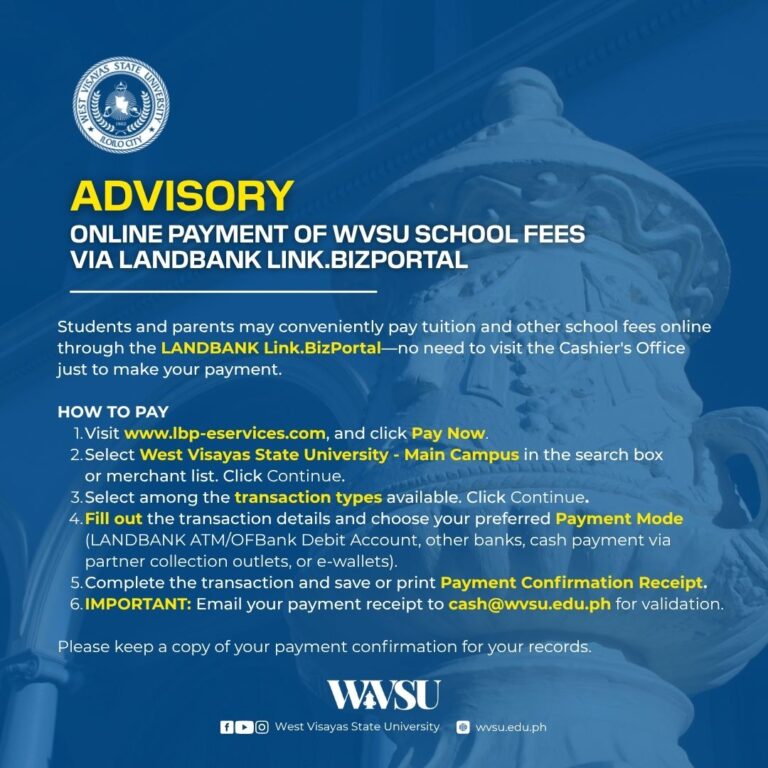
Students and parents may conveniently pay tuition and other school fees online through the LANDBANK Link.BizPortal—no need to visit the Cashier’s Office just to make your payment.
HOW TO PAY
- Visit www.lbp-eservices.com, and click Pay Now.
- Select West Visayas State University – Main Campus in the search box or merchant list. Click Continue.
- Select among the transaction types available. Click Continue.
- Fill out the transaction details and choose your preferred Payment Mode (LANDBANK ATM/OFBank Debit Account, other banks, cash payment via partner collection outlets, or e-wallets).
- Complete the transaction and save or print Payment Confirmation Receipt.
- IMPORTANT: Email your payment receipt to cash@wvsu.edu.ph for validation.
Please keep a copy of your payment confirmation for your records.